
3D-printable 180° observatory and dashboard to monitor the universe
A completely free Open Source project for your home
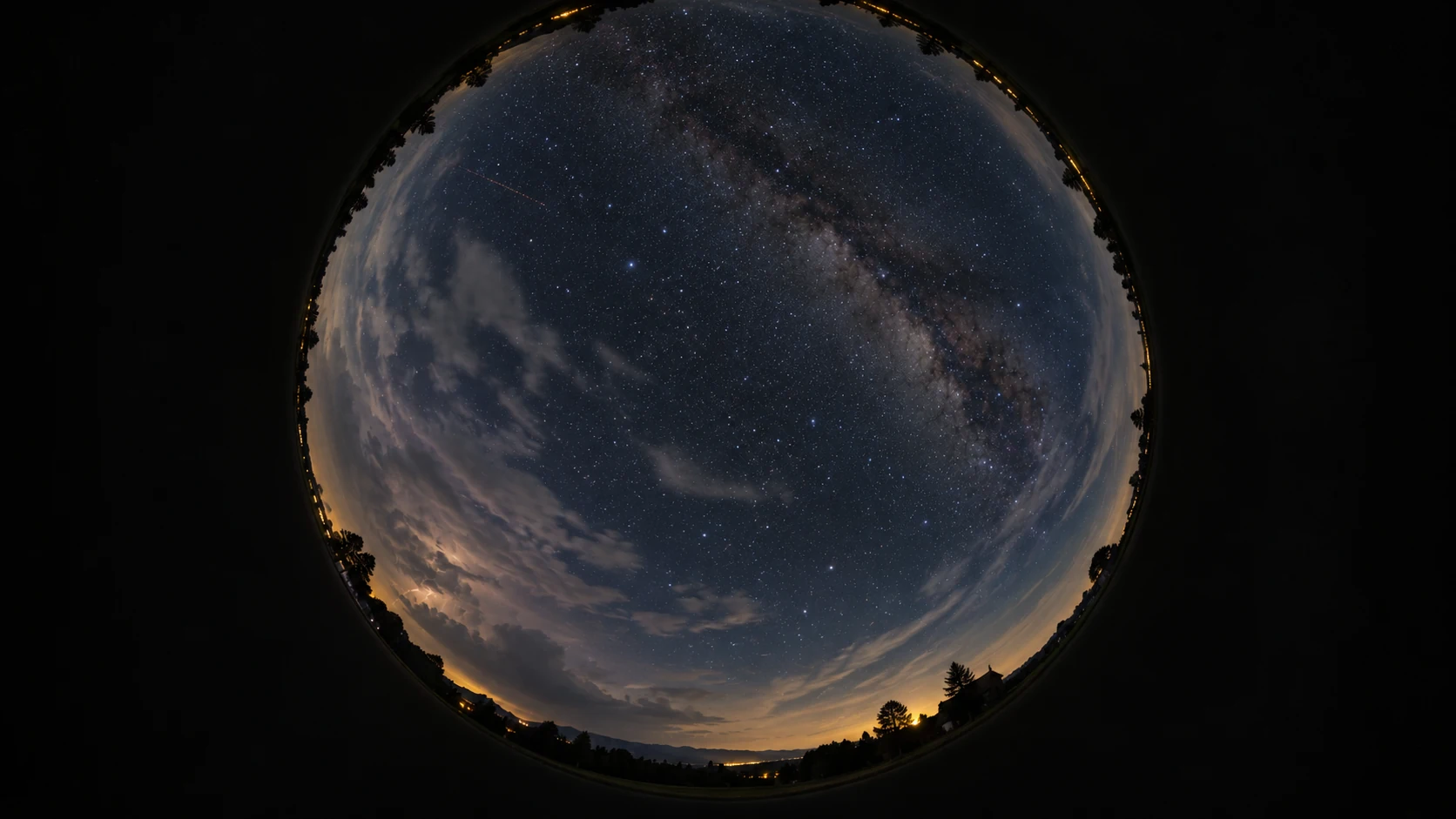
- Live atmosphere: Capture meteors, lightning and create timelapses.
- Full tracking: Track flights, space missions, exoplanets and solar transits.
- Astrophotography: Explore the deep sky and remote-control your PC.
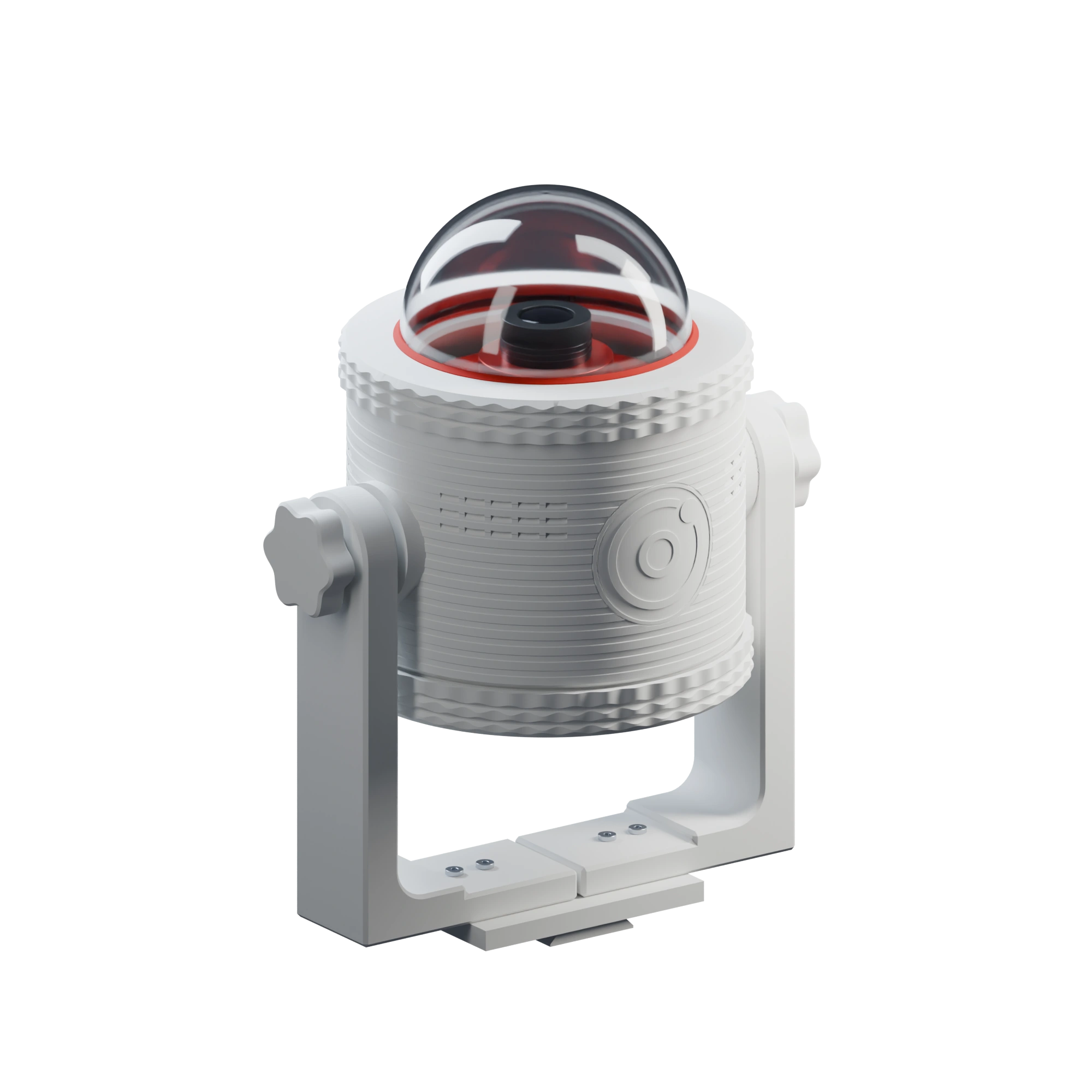
With a full-featured Dashboard
Installed on your Raspberry Pi 5 and accessible via Wi-Fi
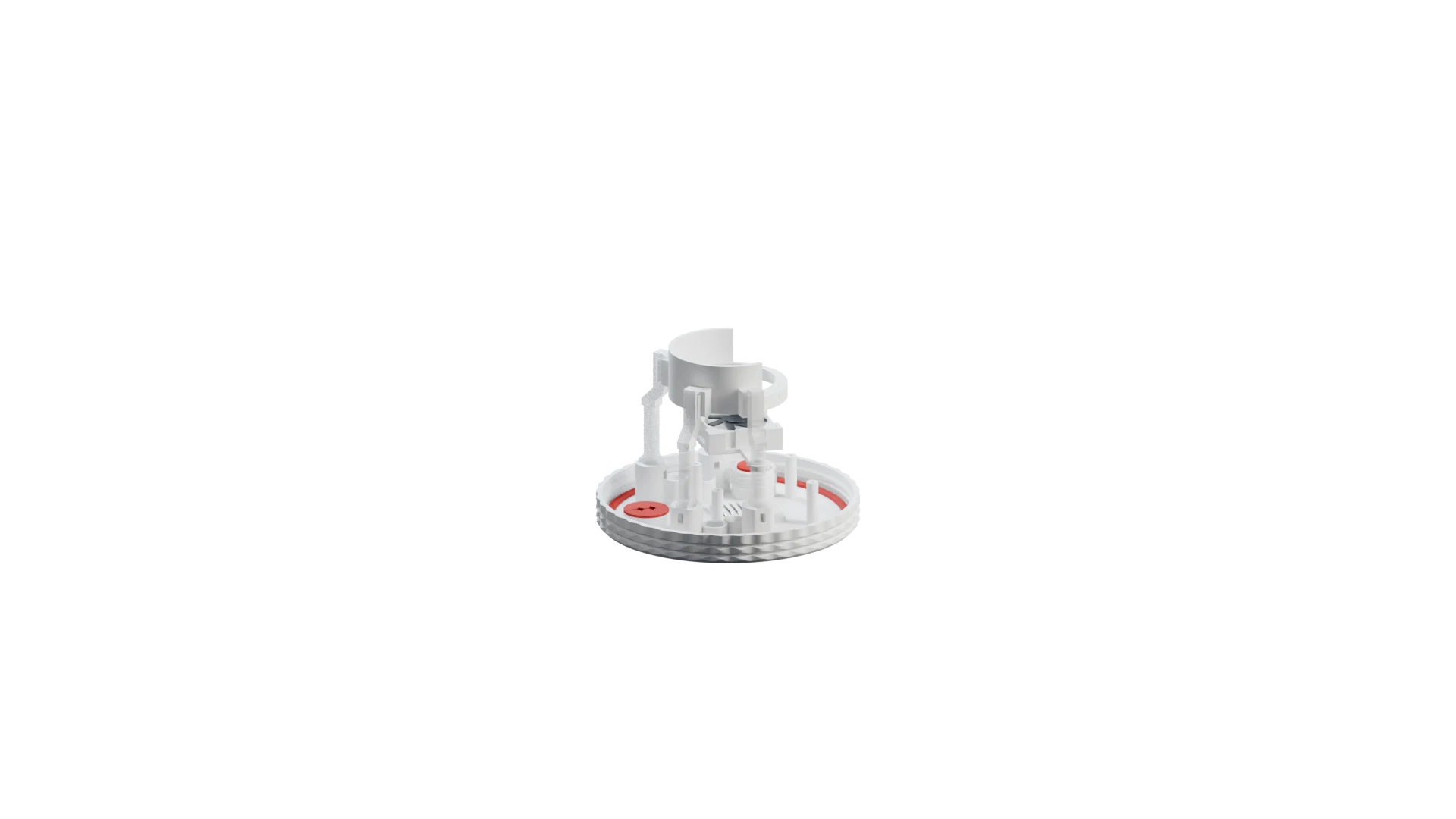
3D print it and assemble in just 10 minutes
This is how your observatory begins.
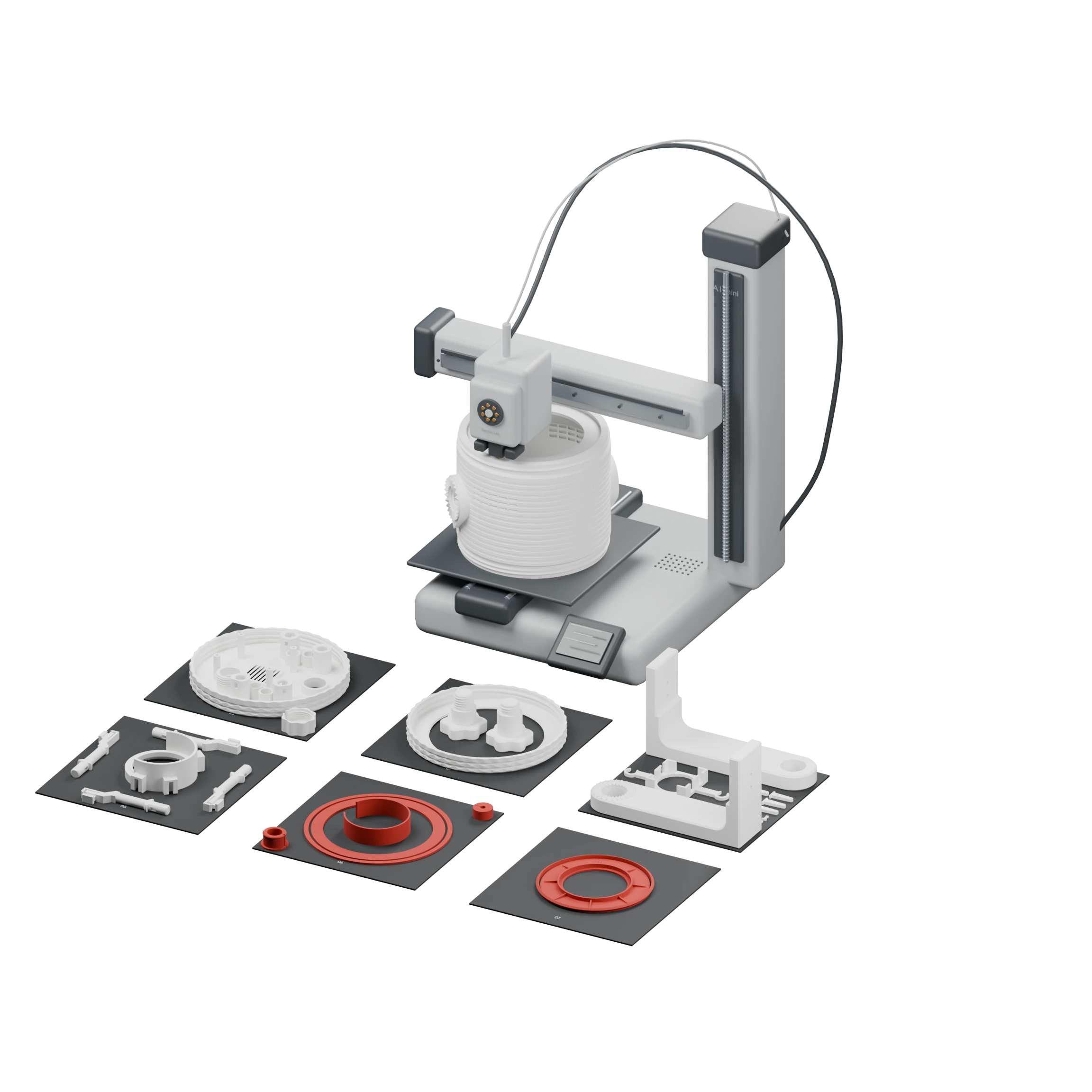
Let’s improve it together
Universe Deck is an open-source project by AiCrazyLabs (Edgar Martin.B): a 24/7 sky monitoring station, scalable and customizable.
No profit motive — just a passion for contributing to the astrophotography community with new inventions. If you build your Universe Deck or have ideas, let’s talk! ;)
Recommended hardware parts to buy:
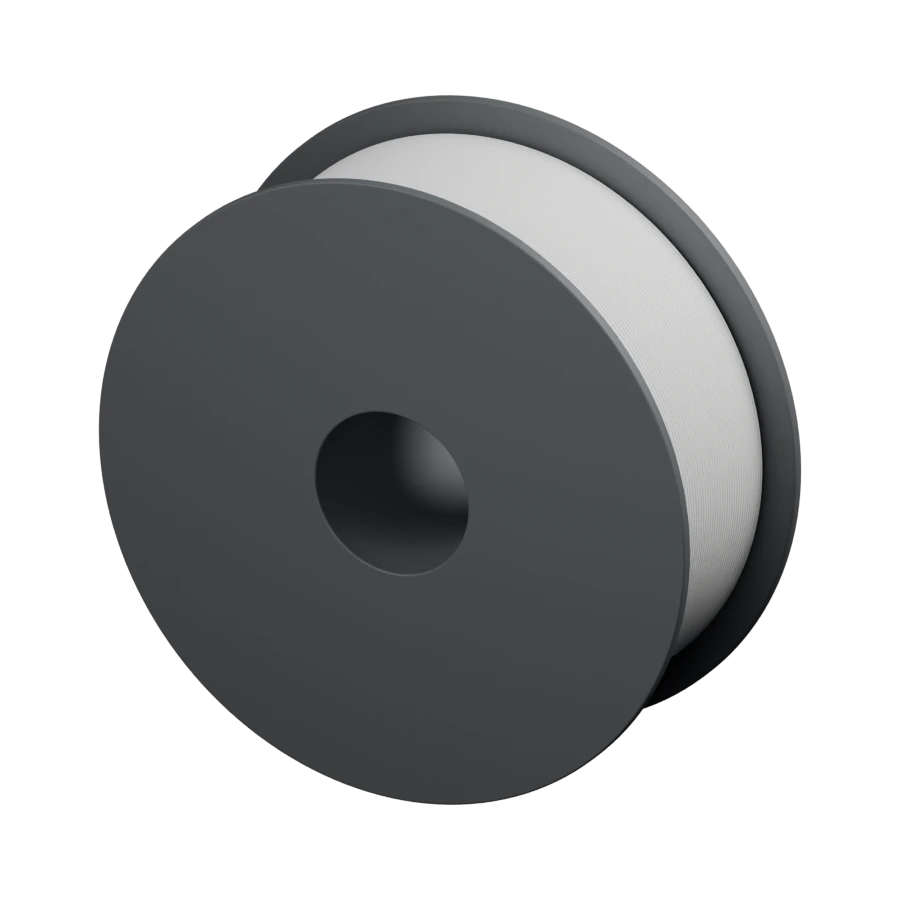
- Materials: 1 kg of white PETG and approximately 45 g of red TPU 95A HF.
- Cooling: 40 × 40 × 10 mm fan compatible with the Pi power connection.
- Connections: short camera USB cable and one right-angle USB-A adapter; two more for external USB connections.
- Assembly: 4 M4 × 20 screws and 4 M4 nuts.
- Storage: microSD for the operating system and captures. Check that the camera has a compatible 180° lens.
FAQ
What do I need to build my Universe Deck?+
The STL files, white PETG and red TPU, a ZWO ASI676MC with compatible all-sky optics, Raspberry Pi 5, microSD, 110 mm dome, power supply, fan, USB connections and four M4 × 20 screws with nuts. Hardware is bought separately; see the list above.
How do I access the dashboard?+
From the browser of any device connected to the same network as the Raspberry Pi. The panel is optimized for large screens. Features showing maps, satellite imagery or external data require an internet connection on the Raspberry.
Is the housing weather-resistant?+
The current design includes a dome, TPU seals, cable glands and labyrinth ventilation. It has no certified IP rating; outdoor weather resistance still needs testing in real installations.
Do all features work simultaneously?+
Some features share the camera. For example, meteor detection and timelapse use different capture modes and cannot run simultaneously. Optical tracking and transit predictions are support tools, with results subject to visibility, capture and calibration.
How much does it cost to build one?+
The software and 3D files are free. Hardware cost depends on where you buy the components and which configuration you choose. The ZWO camera is the most expensive part. If you already have a Raspberry Pi or a 3D printer, the cost drops significantly.
Can I contribute or suggest improvements?+
Absolutely. Universe Deck is open source and contributions are welcome: from code and 3D design improvements to documentation or translations. You can open issues or pull requests on the GitHub repository, or reach out directly on X (@Ed_Astronomy).
BUILD YOUR OBSERVATORY
The sky awaits.
The files and code to make it yours.
Coming soon · Download links pending